



Access via eservices.healthhub.sg
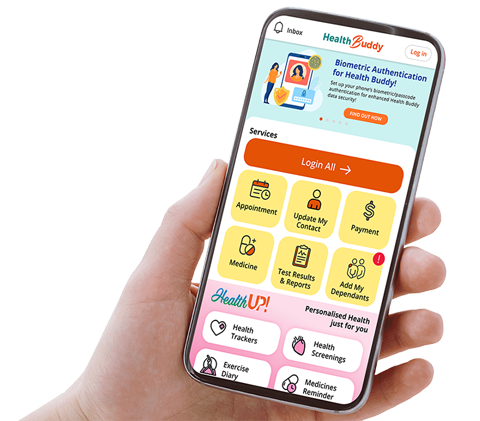
Step-by-step guide on Self-Ordering Medications Online through HealthHub.
 |
 |
1. Login via SingPass on HealthHub to retrieve and view your prescription records
If there are no available electronic prescription records, it means you do not have remaining medications to colelct. You would need to submit a top up request by clicking on "repeat you prescription" on the same page. |
 |
2. Select the desired medication(s) and indicate the amount required.
Note: Medications delivered are non-refundable and non-exchangeable. |
|
 |
 |
3. Select your preferred mode of collection. For Delivery:
For Self-Collection from MedStation Locker:
For Self-Collection from Pharmacy:
|
 |
 |
4. Select your preferred payment mode, review your request details and submit the order.
Track your order status on the HealthHub app under "View past requests" Note: All requestes submitted are subjected to approval by the pharmacy. |
 |
 |
5. Receive your medications at your selected location and time. For Delivery:
For Self-Collection from MedStation Locker:
Kindly collect your medications from 10am of selected day to 9am of the next day (23 hours). For Self-Collection from Pharmacy:
If you do not receive any SMS, you may contact Outpatient Pharmacy at 69302262. |


Stay Healthy The Easy Way

Get trusted health advice, offers and more.
Stay Ahead in Healthcare Industry

Subscribe to our exclusive updates for healthcare professionals.














Stay Healthy With
 HealthXchange
 Health Videos
Follow SKH


© 2026 Sengkang General Hospital Pte Ltd. All Rights Reserved.